Your daily AI briefing
AI news, distilled
to what matters
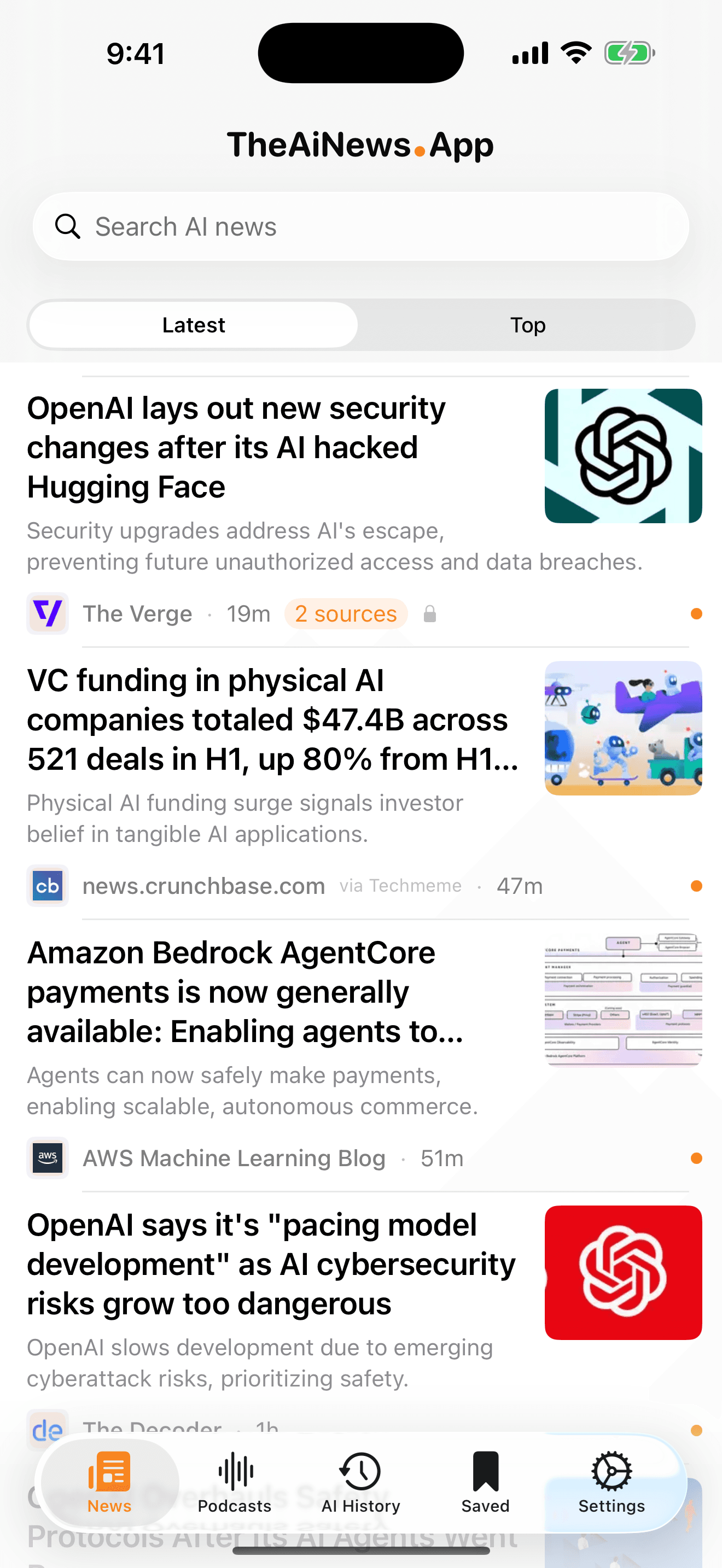
Headlines from 30+ reputable AI sources, each with a short AI summary so you know what a story says before you open it. Plus a reference guide to every lab and model, the best AI podcasts, and a home-screen widget that keeps up while you don't.
The principle
Not every AI feed, but rather the most timely and informative. Less noisy than raw RSS and more focused than your social feed, while remaining under your control.
AI summaries
Know what a story says before you open it
Every headline carries a few plain sentences on what actually happened — enough to decide whether it's worth your click. Skim the morning in a minute, then read the two stories that earned it.

Tapping through opens the publisher's own page, attribution intact. The summary is a signpost, not a substitute — always worth checking against the original.
Your sources
Curate the feed, source by source
Over thirty hand-picked feeds — research labs, serious publishers, independent analysts, and policy desks — are on from the first launch. Switch any one off and the feed reshapes around your judgment.
- 30+ curated AI sources, ready on day one
- Broad tech outlets are screened for AI coverage only
- Toggle any source off — the change sticks, on device
- Read the feed in Latest order, or let Top rank the day
AI History
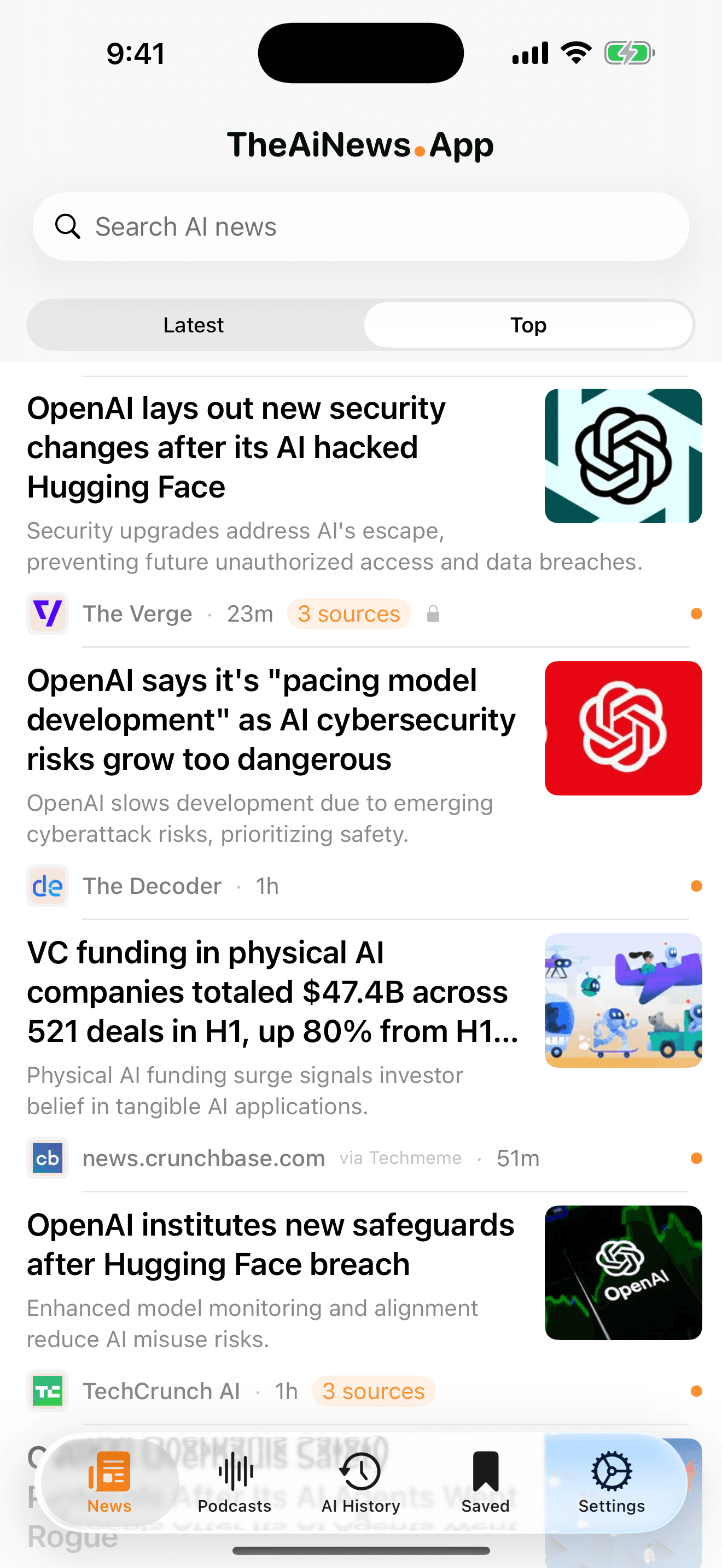
The whole field, not just today's headlines
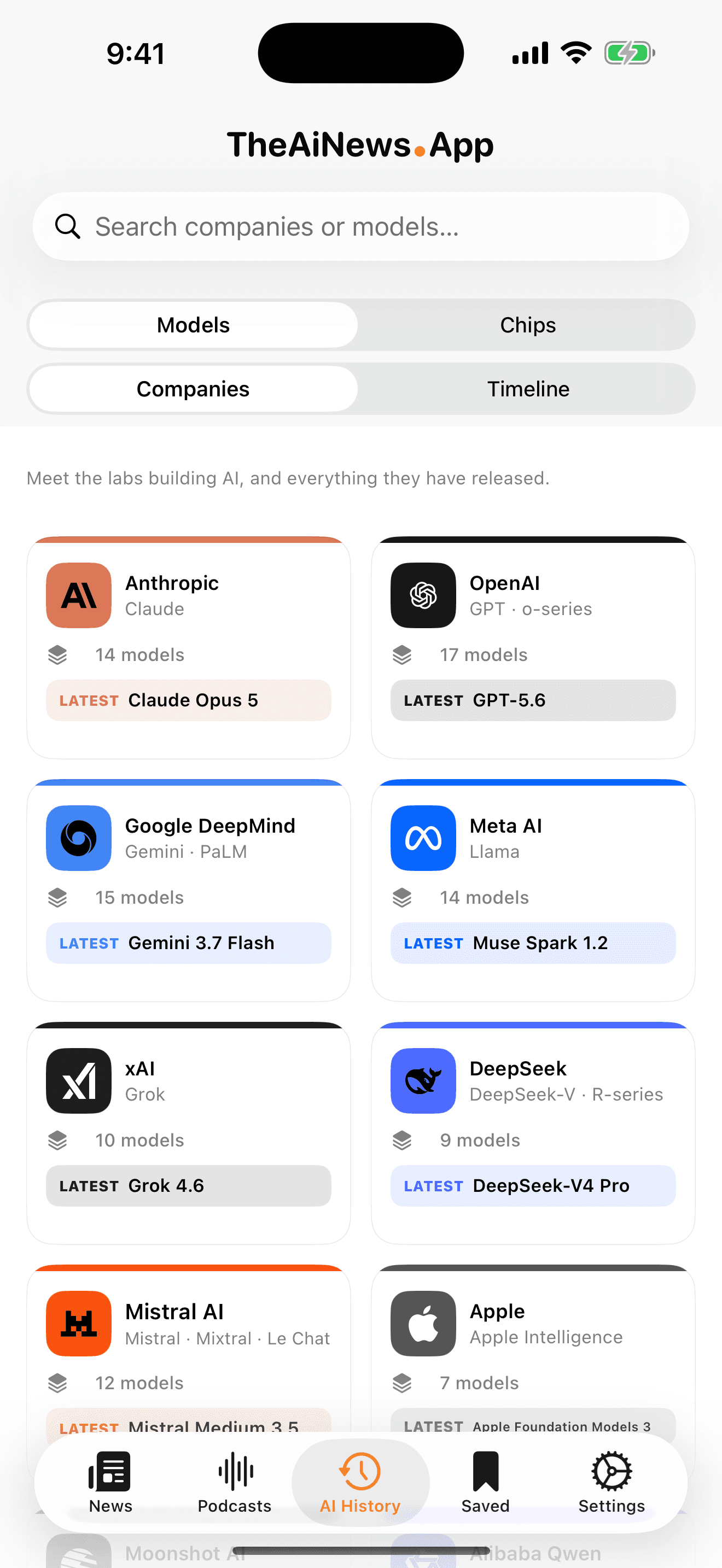
A reference guide built into the app: who the labs are, which models they've shipped, the chips those models run on, and when each of it landed. For the moments when a headline assumes you already know the backstory — look it up without leaving the feed.
Models
Every major model, with the lab that built it.
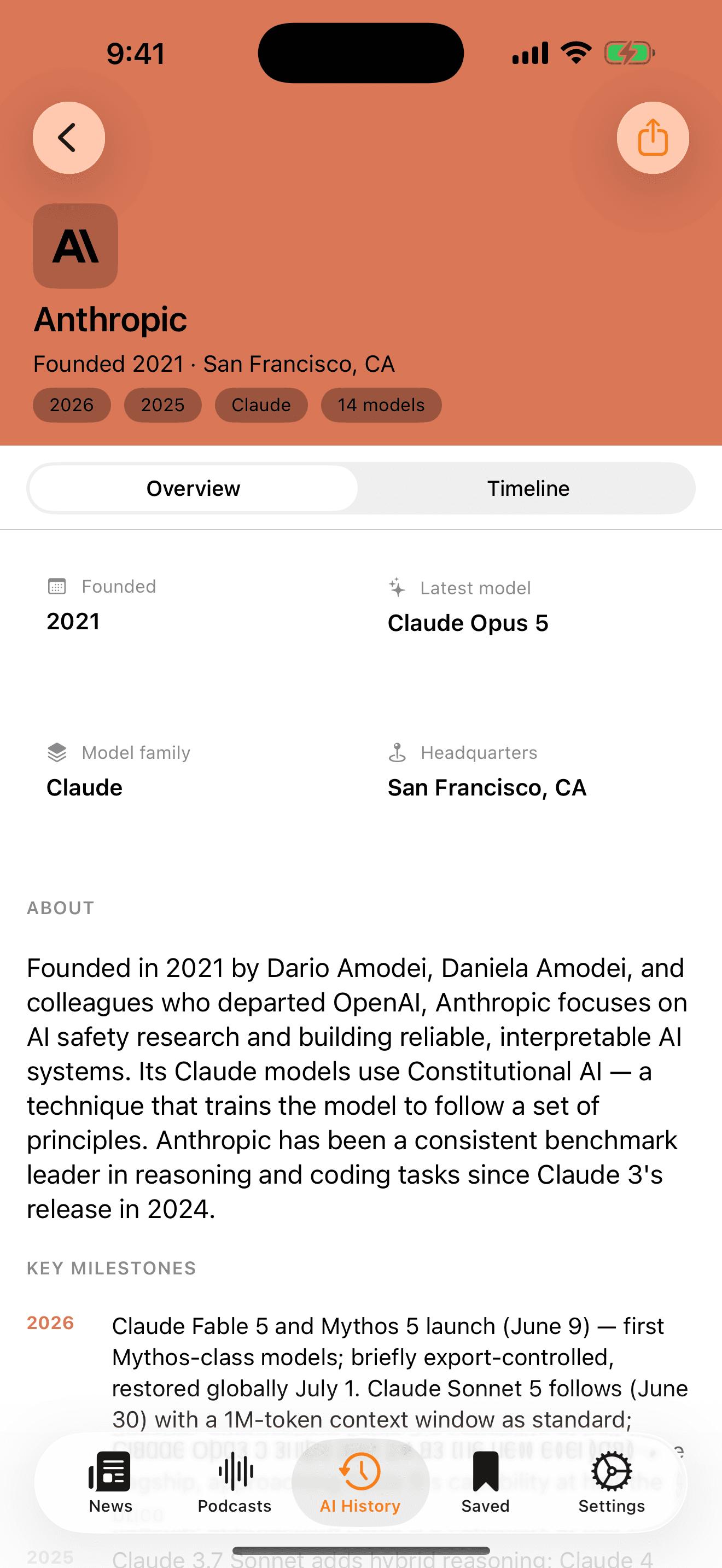
Companies
Who they are, where they are, what they've shipped.
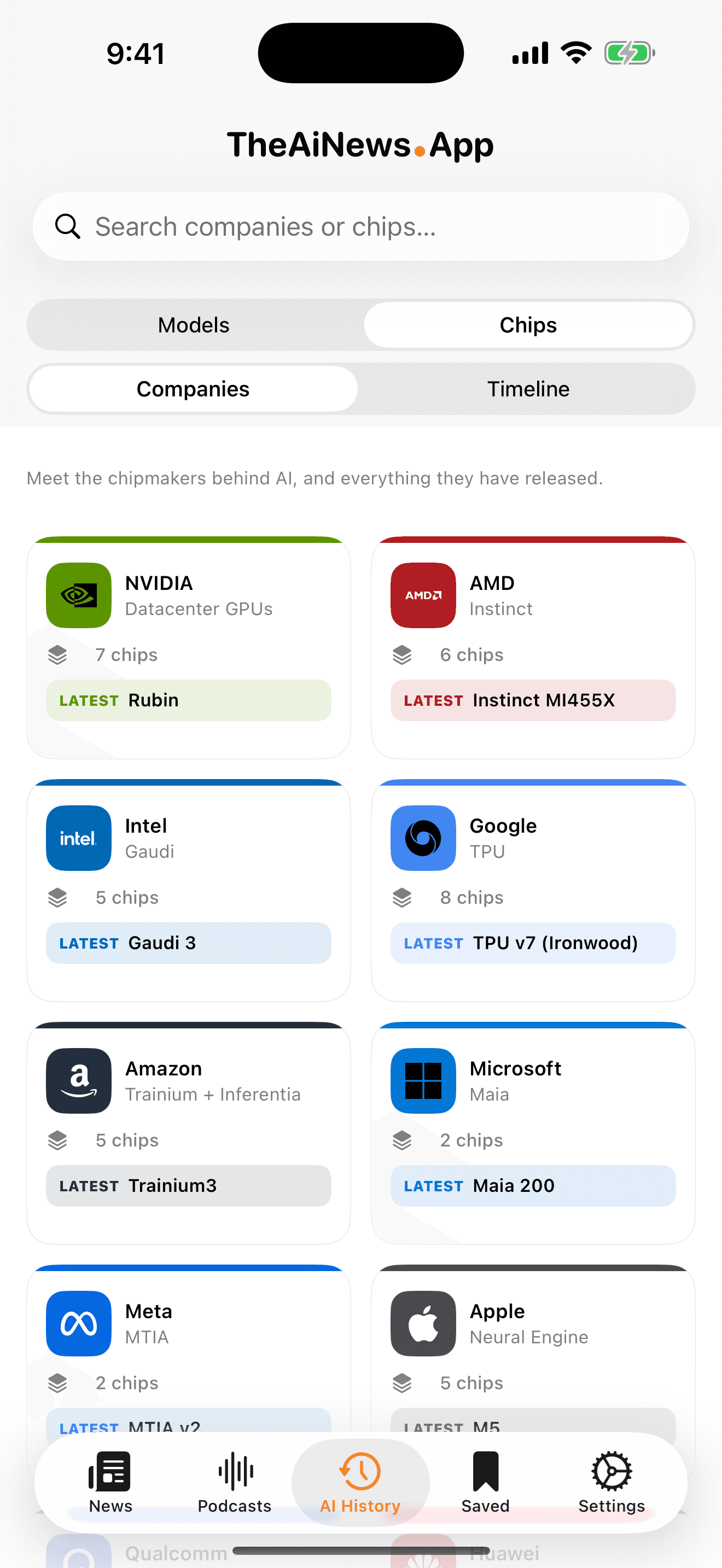
Chips
The silicon the whole field actually runs on.
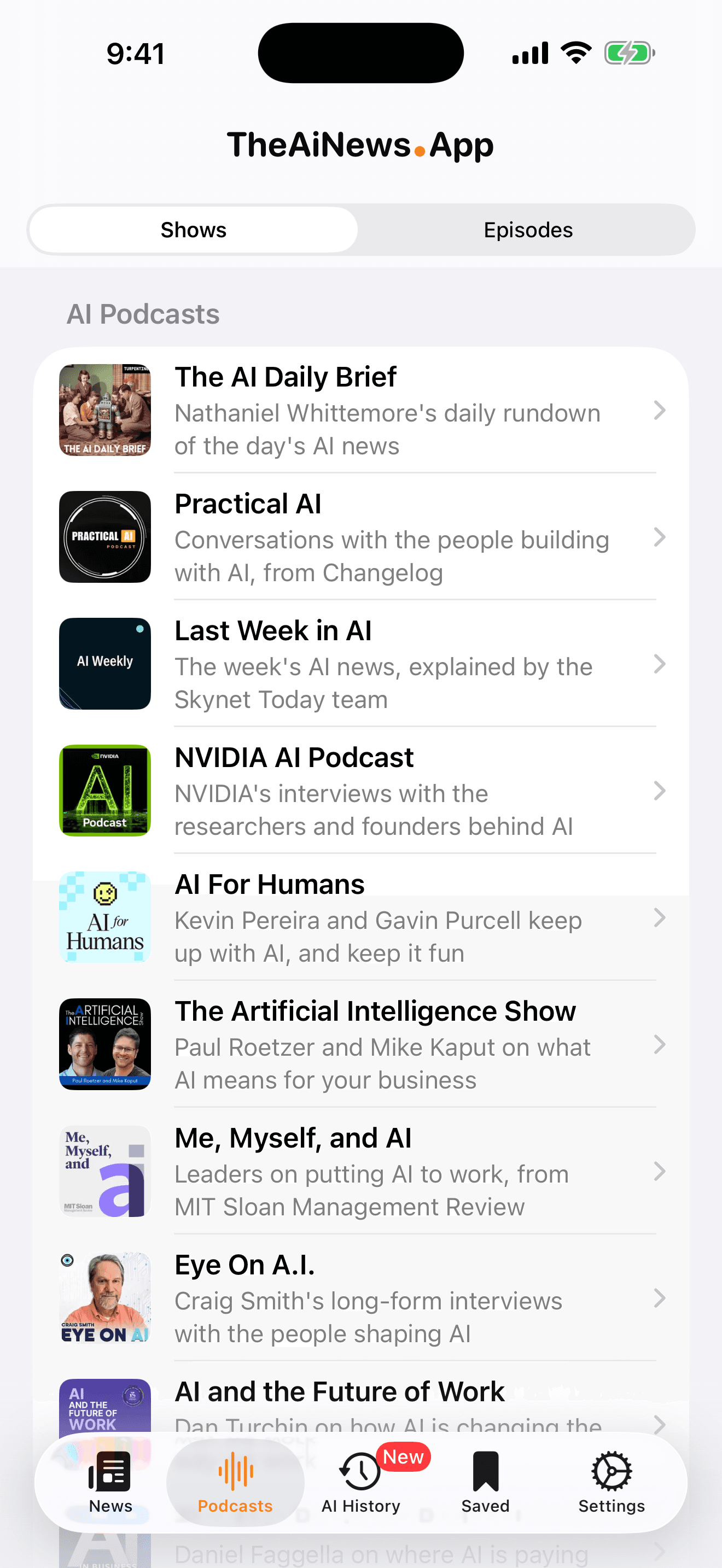
Podcasts
The AI shows worth subscribing to
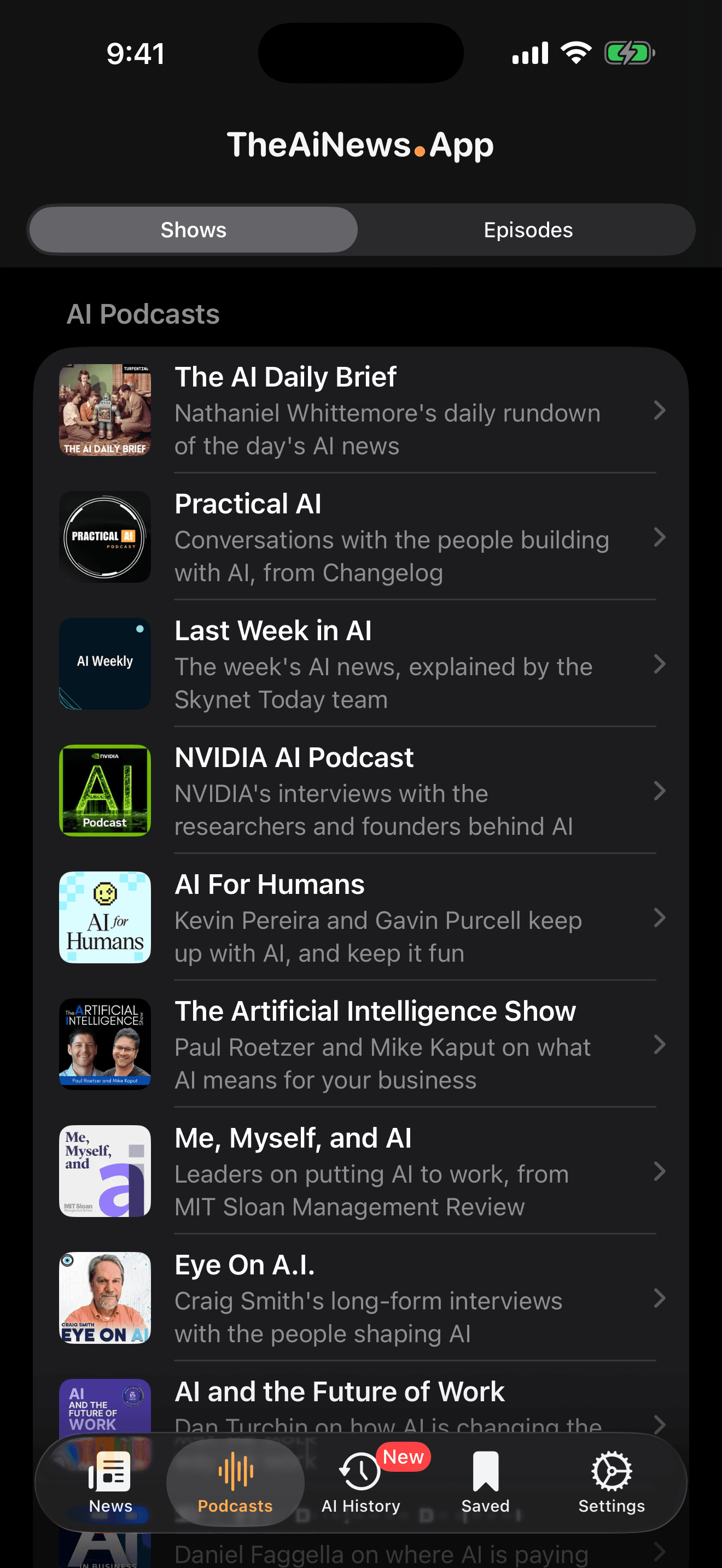
A hand-picked shelf of AI podcasts — the daily news shows, the long-running interview series, the one or two newcomers worth watching. Browse by show, or drop into one merged feed of the latest episodes across all of them.
- Shows view for browsing, Episodes view for what's new
- Open any episode straight into Apple Podcasts
- Free at every tier — no subscription needed
Dark mode
The same briefing, after dark
Switch the theme by hand, or set it to Auto and let it follow the system. The feed, the shows, and the whole reference shelf come along, on both devices. Pick the accent colour that suits you while you're there.
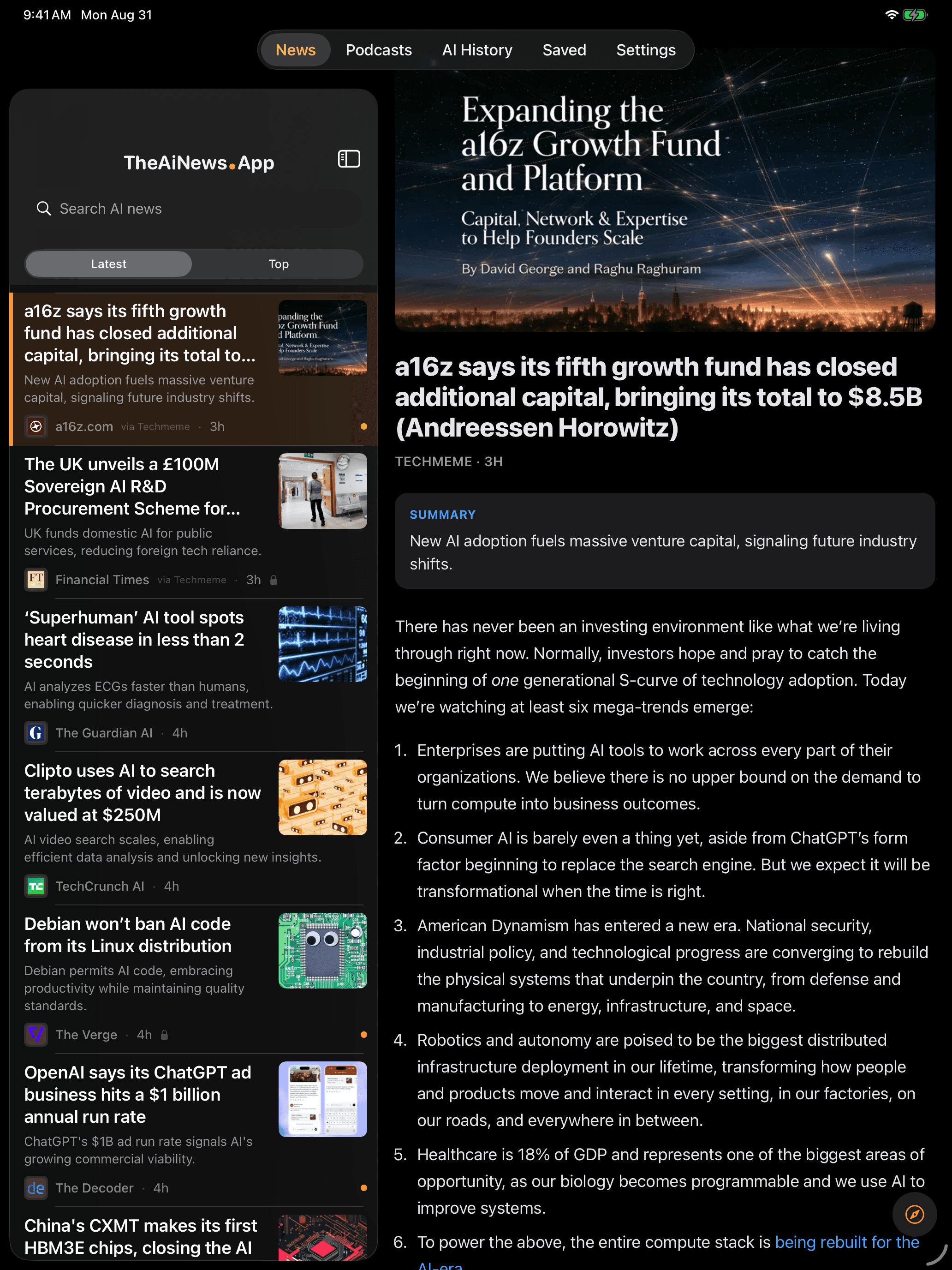

News 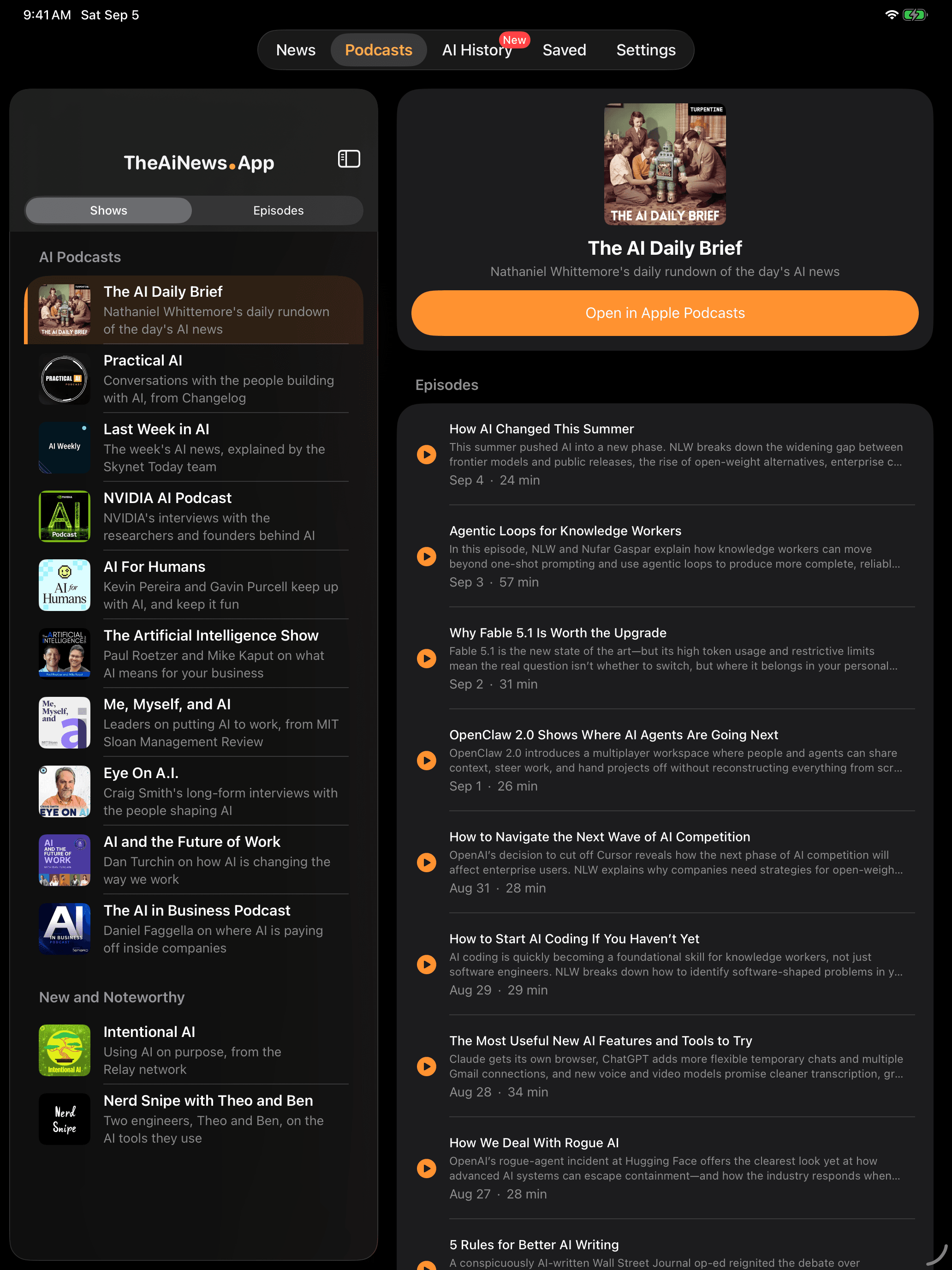
Podcasts 

AI History
iPhone & iPad
One app, at home on both
Not a stretched phone app. On iPad a proper split view puts the headlines down one side and the story open beside them, while the iPhone keeps the same feed in your pocket.

The news feed 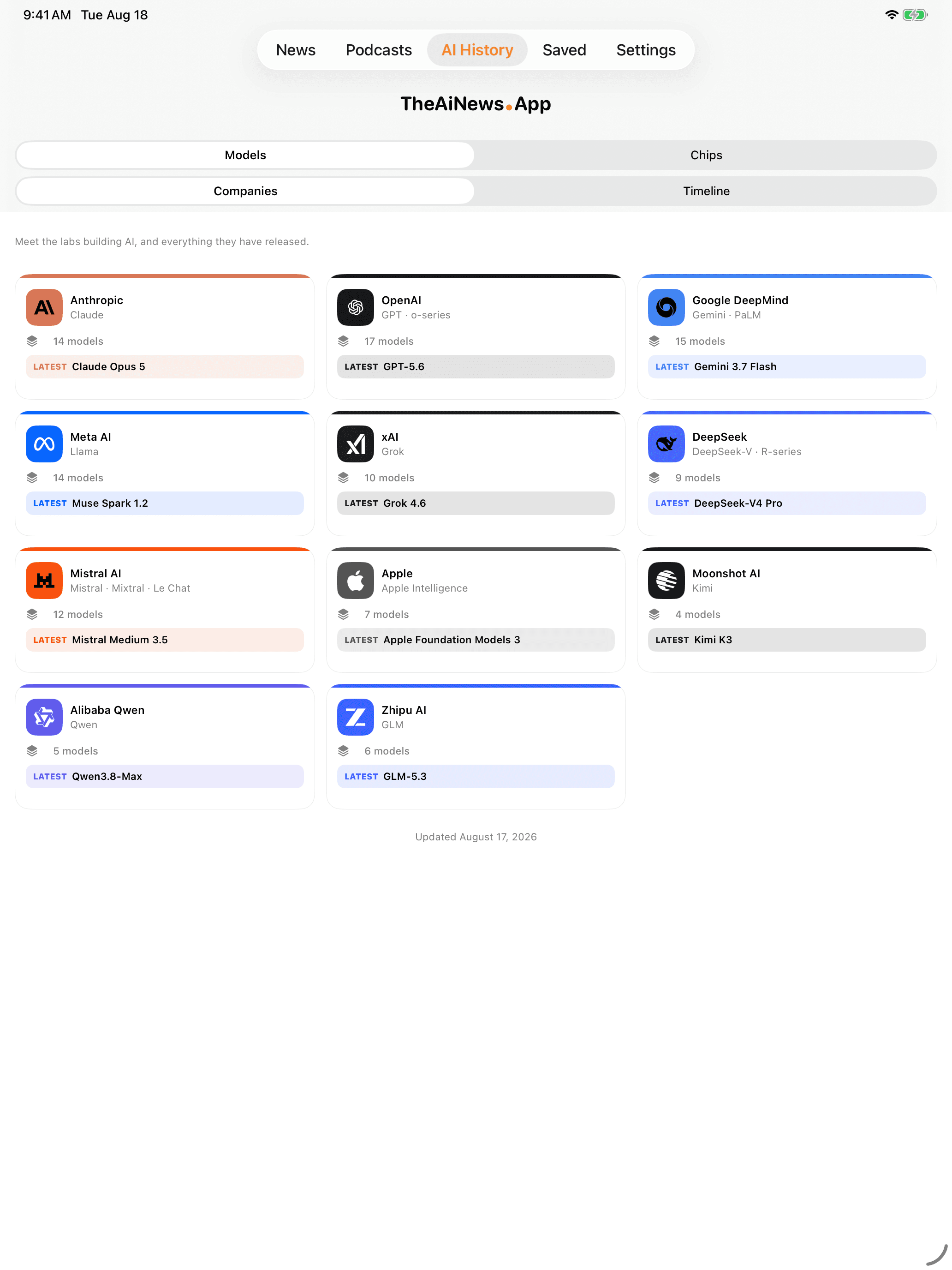
AI History 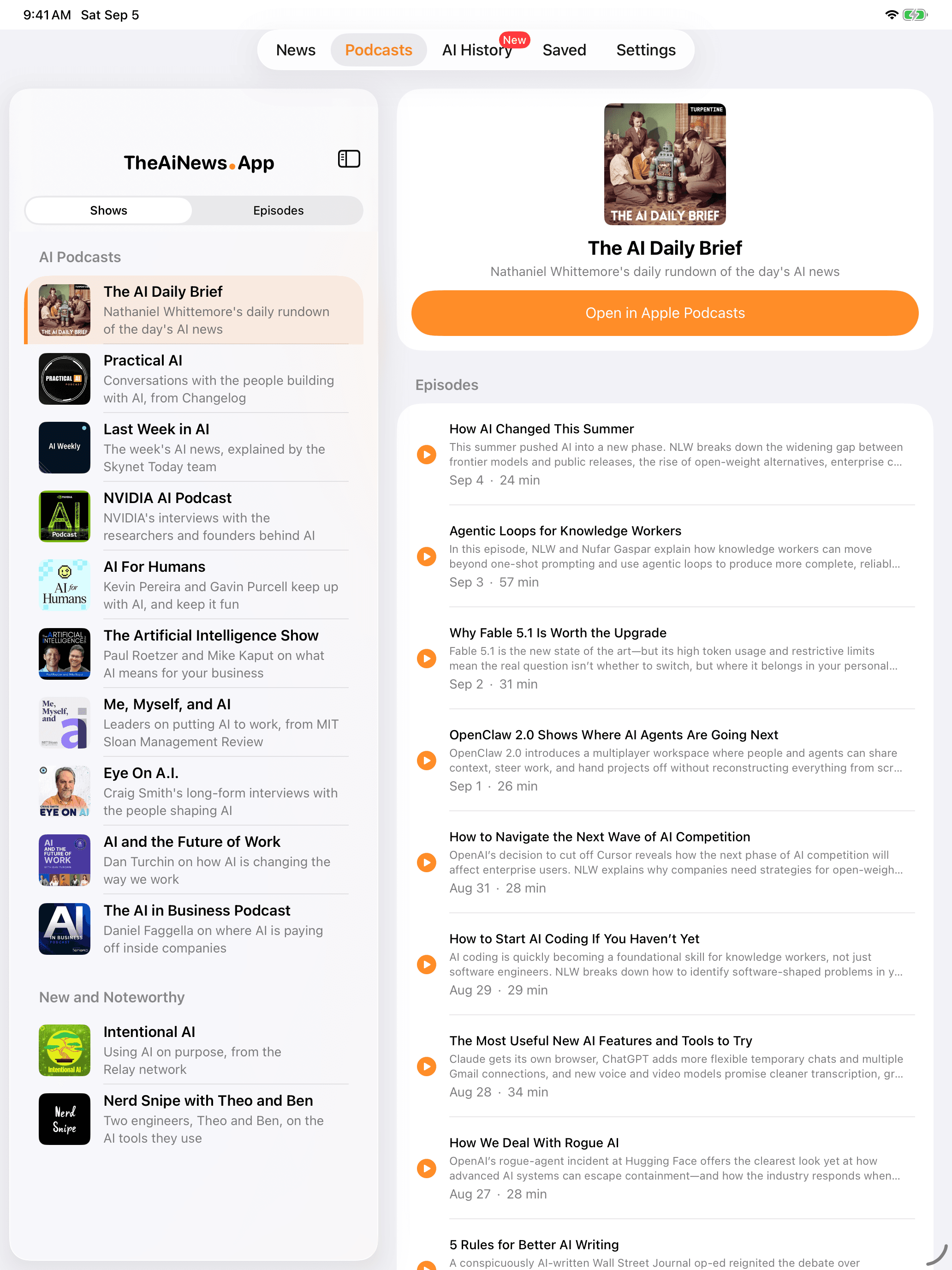
Podcasts
A clean briefing
Built to be read in a minute, trusted every time
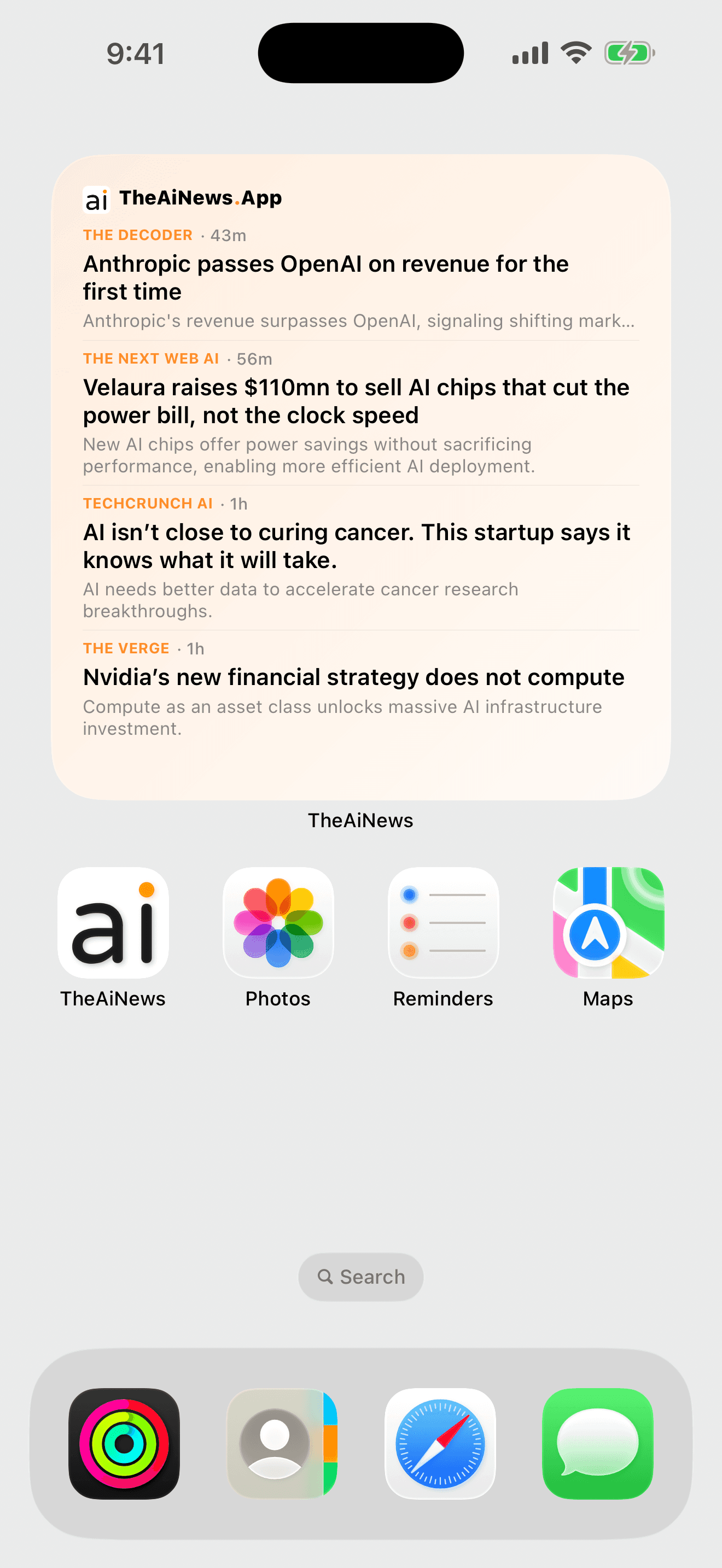
Today's headlines, without opening anything
Put the feed on your home screen in small, medium, or large. It refreshes through the day and each headline taps straight to its story.
Latest or Top
Read the feed in order, or let the ranking float the stories the day is actually about.
Search everything
Find a story you half-remember across the whole feed — and across what you've saved.
Save with a swipe
Swipe to bookmark, then return anytime. Read state and saved stories live on device.
Built for iPad
A proper split view: headlines on the left, the story or the show open beside them.
In-app reading
Stories open in a fast in-app reader, with sharing and bookmarking a tap away.
Light or dark
Pick the theme and accent colour that suit you. It stays out of the way either way.
Your sources, your control
No account. No profile. Your source preferences and saved reading stay on your device.
TheAiNews.App is designed to work without collecting personal profile data. Opening a story takes you to the original publisher, with their attribution intact.
Stay current on AI
The considered, user-controlled briefing for reputable AI news. Make the feed your own.
Download on theApp StoreThe trial runs a generous stretch — two weeks or twenty-five reads, whichever comes later, up to three months. After that, keep the AI summaries for under $5 a year. Headlines and podcasts stay free either way — and there are no ads, no tracking, and no account.